PDF Unlock Tool
Select locked PDF
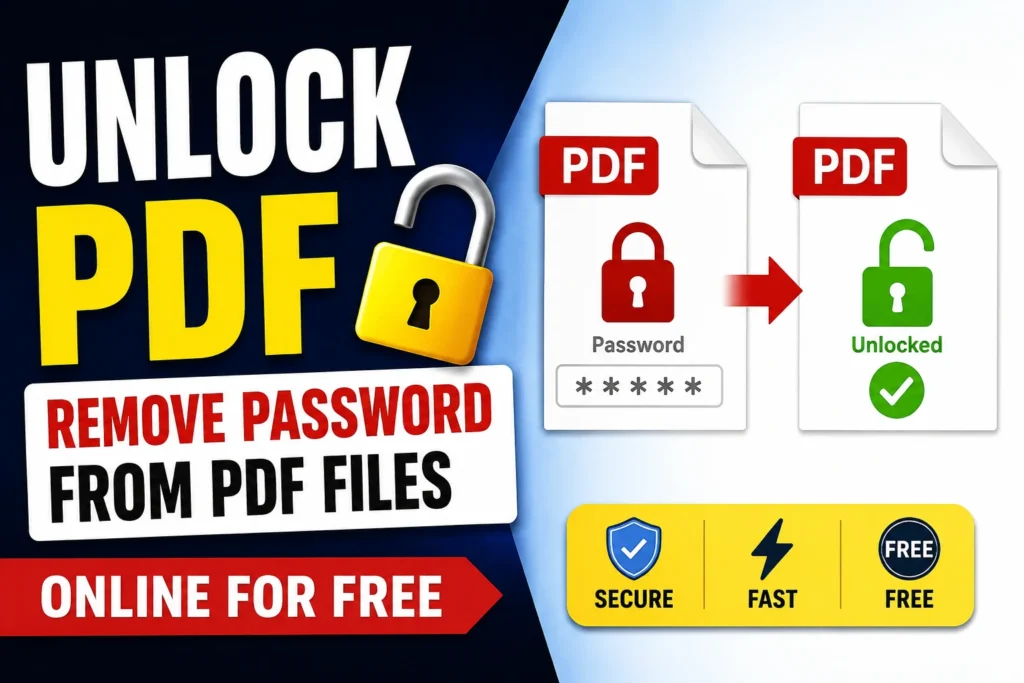
Unlock PDF Remove Password from PDF Files Online for Free
Locked out of your own PDF? Our free online PDF Unlock Tool lets you remove password protection from any PDF file in just a few clicks. Whether you forgot your password or simply want to remove restrictions from a document you own, Merge PDF Easy makes it fast, safe, and completely free no software installation required.
Why Use Our PDF Unlock Tool?
Managing password-protected PDFs can be frustrating, especially when you need quick access to your own files. Our tool is built to solve that problem instantly.
- 100% Free – Unlock unlimited PDF files at no cost.
- No Installation Needed – Works directly in your browser.
- Fast Processing – Remove PDF passwords in seconds.
- Safe & Secure – Files are encrypted during upload and automatically deleted after processing.
- Cross-Platform – Works on Windows, Mac, Linux, Android, and iOS.
- No Registration Required – Just upload, unlock, and download.
How to Unlock a PDF File Online (Step-by-Step)
- Upload Your PDF File – Click the “Upload” button and select the locked PDF from your device.
- Enter the Password (if required) – If you know the current password, enter it to confirm access.
- Click “Unlock PDF” – Our tool will instantly remove the password and restrictions.
- Download Your Unlocked File – Save the password-free PDF to your device in one click.
No technical skills needed the entire process takes less than a minute.
When Do You Need to Unlock a PDF?
- Removing a password you no longer need for personal or business documents.
- Editing or printing a PDF that has restricted permissions.
- Copying text or images from a protected PDF.
- Sharing a document without password barriers.
- Merging or converting a locked PDF using other tools.
Is It Safe to Unlock PDFs Online?
Yes. At MergePDFEasy, your privacy is our top priority.
- All uploaded files are transferred using secure SSL encryption.
- Files are automatically deleted from our servers after a short period.
- We do not share, view, or store your documents.
- The tool only removes protection from files you own or have rightful access to.
Features of MergePDFEasy PDF Unlock Tool
| Feature | Description |
|---|---|
| Free Forever | No hidden charges or subscriptions |
| No File Limits | Unlock as many PDFs as you need |
| Browser-Based | No downloads or installations |
| Fast Speed | Unlock PDFs in under 10 seconds |
| Universal Compatibility | Works on all devices and browsers |
| Data Privacy | Auto-delete policy for uploaded files |
Frequently Asked Questions (FAQ)
Is this PDF Unlock Tool really free?
Yes, Merge PDF Easy‘s PDF Unlock Tool is 100% free to use with no hidden costs or limits.
Do I need to install any software?
No. The entire tool works online through your web browser no downloads required.
Can I unlock a PDF without knowing the password?
You can remove owner-level restrictions (like printing/copying locks) easily. For user-level passwords (needed to open the file), you must know the correct password, as this respects file ownership and security laws.
Will unlocking reduce my PDF’s quality?
No. The tool only removes password protection your PDF’s content, formatting, and quality remain exactly the same.
Is my uploaded file safe?
Absolutely. Files are encrypted during transfer and automatically deleted from our servers shortly after processing.
Can I use this tool on mobile devices?
Yes, our PDF Unlock Tool is fully responsive and works smoothly on smartphones and tablets.
Why Choose Merge PDF Easy?
Merge PDFEasy is a trusted, all-in-one platform for handling your PDF needs from merging and splitting to compressing, converting, and unlocking PDFs. Our tools are designed with simplicity, speed, and security in mind, helping thousands of users manage their documents hassle-free every day.