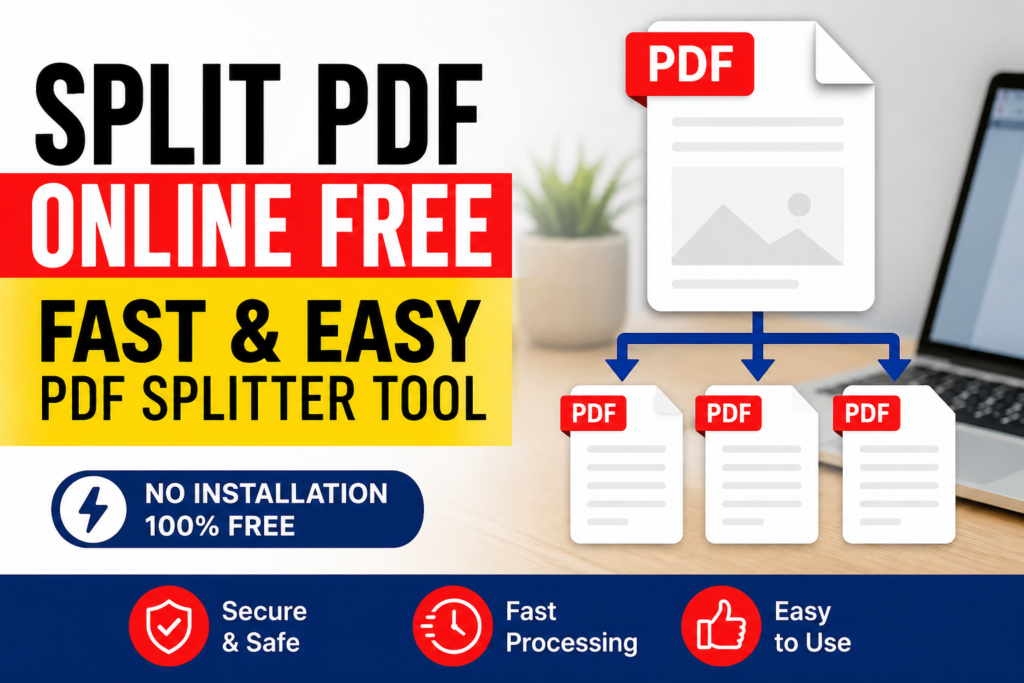
Split PDF Online Free — Fast & Easy PDF Splitter Tool
PDF Split and Merge Tool
Select PDF to split
Select PDFs to merge
Need to split a PDF right now? Upload your file above, choose how you want to split it by page range or into individual pages and download your new files instantly. This free splitter works entirely online, with no software to install and no watermark on your files.
Whether you want to pull out a few pages, shrink a file down for email, or turn one PDF into several separate documents, this tool does it in one click.
Why Split a PDF?
Large PDFs aren’t always easy to work with. Common reasons people reach for a PDF splitter:
- You only need to share a specific section like the invoice page from a long contract
- Your file is too big to email, so you need to break it into smaller parts
- You want to reorganize or archive pages individually
- You’re removing blank or unwanted pages before printing
Searches like “how to split PDF files” and “how to separate PDF pages” have climbed sharply for exactly this reason people need a fast, no-install way to manage multi-page documents.
How to Split a PDF (Step-by-Step)
- Upload your PDF drag and drop, or select the file from your device.
- Choose a split method:
- By page range e.g., extract pages 1–5 into a new file
- Every page separately turn a 10-page PDF into 10 individual files
- Click Split the tool processes your file in seconds.
- Download your results a single file, or a ZIP if you split into multiple files.
No account, no email required just upload and download.
Split vs. Extract vs. Merge: What’s the Difference?
| Action | What It Does | Best For |
|---|---|---|
| Split PDF | Breaks one file into multiple files | Sharing sections separately |
| Extract Pages | Pulls out specific pages only | Keeping just what you need |
| Merge PDF | Combines multiple files into one | Reassembling documents |
If you’re not sure which one you need: splitting gives you every part, while extracting gives you only the part you choose.
Is It Safe to Split a PDF Online?
Yes, as long as the tool follows basic privacy standards:
- Files are auto-deleted after a short period (usually within an hour)
- No file is stored, shared, or used for training
- Conversion happens over a secure HTTPS connection
This tool follows the same standards, so you can safely split sensitive files contracts, ID scans, financial documents without worry.
Real Example: Splitting a Long Report
Say you have a 40-page annual report but only need pages 12–15 for a client meeting. Instead of manually screenshotting or re-typing content, upload the PDF here, select the page range 12–15, and download just that section as a new file ready to send in seconds.
Frequently Asked Questions
Does this tool work on mobile?
Yes, it’s fully mobile-friendly and works the same on Android and iOS browsers.
Can I split a PDF for free?
Yes this tool is completely free with no limit on the number of splits.
Can I split a PDF into individual pages?
Yes, choose “split every page separately” and each page becomes its own PDF file.
Can I extract just one page instead of splitting the whole file?
Yes select a specific page range (even a single page), and only that part will be downloaded.