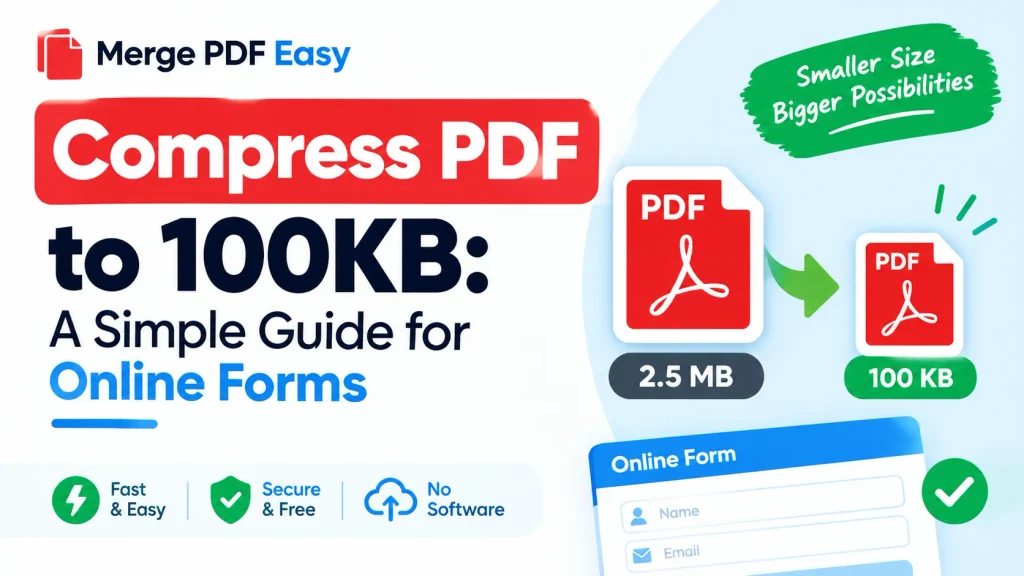
Compress PDF to 100KB: A Simple Guide for Online Forms
PDF Compressor
Select PDFs to compress
To compress a PDF to 100KB, upload it to an online PDF compressor, choose a stronger compression level, download the result, and check the file size. If it’s still above 100KB, lower the scan quality or split the file into parts. The steps below walk through exactly how.
Many students run into this when an admission, scholarship, or exam portal rejects a document for being “larger than 100KB.” Here’s who usually needs a small PDF, how to reduce the size, and what to check before you upload.
Who Needs to Compress a PDF to 100KB?
There’s no eligibility test for compressing a PDF anyone can do it. The requirement usually comes from the website you’re uploading to. Students commonly need a small PDF for:
- Admission or registration forms
- Scholarship applications
- Exam application portals
- Document uploads such as mark sheets, ID copies, or certificates
- Email attachments with strict size limits
Each portal sets its own limit. Some ask for 100KB, others 200KB or 500KB, so always follow the rule stated on the form you’re filling in.
How to Compress a PDF to 100KB Online
Using an online tool is the fastest method, and it works on both a phone and a computer.
- Open a PDF compressor go to the compression tool on mergepdfeasy.com.
- Upload your PDF choose the file from your device.
- Select the compression level for a very small file, pick the strongest option.
- Download the compressed file.
- Check the size on a computer, right-click the file and open Properties; on a phone, long-press it and open Details.
- Repeat if needed if it’s still above 100KB, use the tips below.
No tool can guarantee exactly 100KB for every file the result depends on what the PDF contains.
Why Some PDFs Won’t Get Below 100KB
File size depends mostly on what’s inside the document:
- Scanned pages are images, so they’re much heavier than typed text.
- High-resolution photos take up a lot of space.
- Colour pages are larger than black-and-white ones.
- More pages add up quickly.
A one-page typed document can drop below 100KB easily. A 10-page colour scan often can’t.
Tips If Your PDF Is Still Too Large
- Rescan at a lower resolution. For most uploads, 100–150 DPI is readable and much smaller than 300 DPI.
- Use grayscale or black-and-white instead of colour when the portal allows it.
- Remove unneeded pages. Upload only what’s asked for.
- Split the document. If the portal accepts multiple files, send two smaller PDFs instead of one large one.
- Aim slightly under the limit. Some systems count kilobytes differently, so 90–95KB is safer than exactly 100KB.
- Avoid compressing repeatedly. Compressing the same file over and over can make text blurry — go back to the original and compress it once at a stronger setting.
Other Ways to Reduce PDF Size
Besides online tools, you can also:
- Use the “Reduce File Size” or “Save as Reduced Size PDF” option in desktop software such as Adobe Acrobat, if you have it.
- Export from Word or Google Docs using a smaller-file or standard-quality option.
- Convert photos to smaller image sizes before putting them into a PDF.
Is It Safe to Compress a PDF Online?
Your documents may contain personal details such as ID numbers or marks. Before uploading, check the tool’s privacy policy to see how long files are kept and whether they’re deleted afterward. If a file is highly sensitive, an offline method is the more careful choice.
Check Your Portal’s Current File Size Rule
Upload requirements can change from one application cycle to the next. This guide can’t tell you the current limit for a specific university or exam, so always confirm on the official website or in the latest notification. Look for:
- Maximum and minimum file size
- Accepted format (PDF only, or JPG too)
- Number of files allowed
- Any page or resolution limit
If a rule is unclear, contact the institution’s helpdesk rather than guessing.
Common Mistakes to Avoid
- Making the file too small, so the text becomes unreadable
- Uploading the wrong or an outdated document
- Not checking the file size after compression
- Waiting until the last day of the application
Frequently Asked Questions
Can I compress a PDF to 100KB for free?
Many online tools offer free compression, but limits on file size or daily use vary from tool to tool.
Will compression reduce quality?
Usually a little. Stronger compression means smaller files but lower image quality. Text-only PDFs are affected least.
Why is my PDF still over 100KB after compressing?
Scanned pages and colour images are the most common reasons. Try lower-resolution scanning, grayscale, or splitting the file.
Is 100KB the same as 0.1MB?
Roughly, yes. 1MB is about 1,000KB, so 100KB is about 0.1MB.