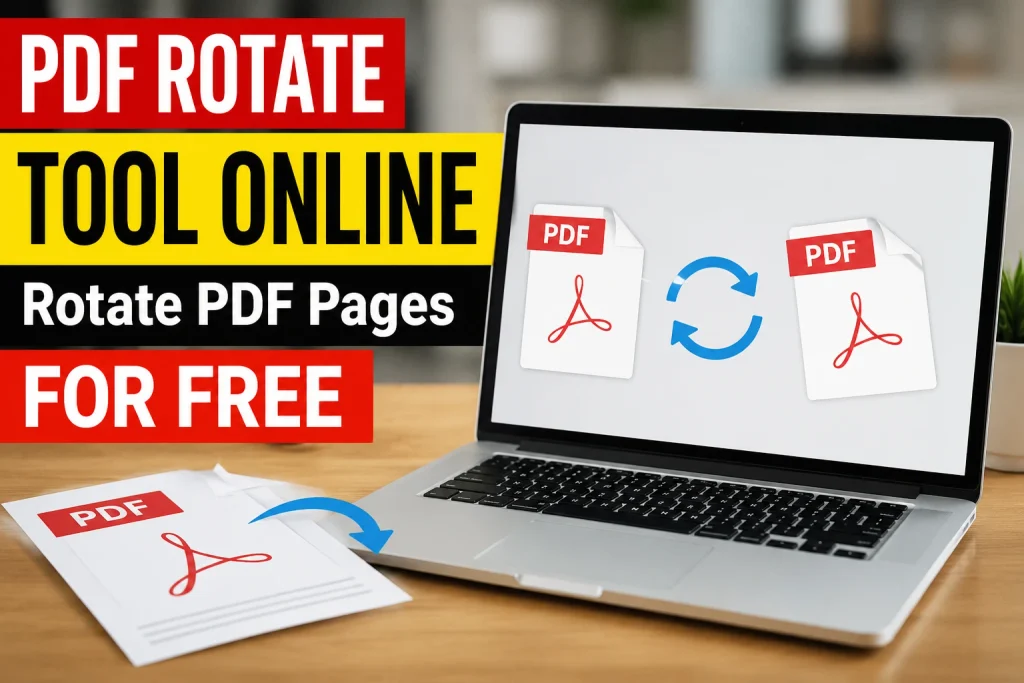
PDF Rotate Tool Online – Rotate PDF Pages for Free (2026 Guide)
PDF Rotate Tool Online
Select PDF to rotate
What Is a PDF Rotate Tool Online?
In today’s digital world, PDF files are used everywhere — whether for office work, school or college assignments, or sending documents to a client. But sometimes, when we scan a document or receive a PDF from another source, the pages come out upside down or sideways. This makes the file hard to read and looks unprofessional.
This is exactly where a PDF Rotate Tool Online comes in handy. It’s a simple and useful online tool that lets you rotate any page — or the entire file — to the correct angle in just a few seconds, without installing any software.
In this article, we’ll cover in detail how a PDF Rotate Tool Online works, its benefits, the right way to use it, and why it’s better than traditional software.
Why Do You Need a PDF Rotate Tool Online?
Many people wonder why rotating a PDF is even necessary. There are several reasons:
- Scanned Document Issues: When we scan a paper document using a scanner or phone camera, the page often comes out upside down or tilted.
- Mixed Orientation Files: Sometimes a single PDF file has some pages in portrait and others in landscape, which looks odd when viewing.
- Correct Format for Printing: Printing a file with the wrong orientation wastes both paper and time.
- Professional Presentation: A file sent to a client or boss that isn’t properly aligned looks unprofessional.
- Sharing and Viewing Issues: Reading an upside-down file on mobile or laptop is difficult, especially when you have to keep rotating your screen.
A PDF Rotate Tool Online is designed to solve exactly these problems so that anyone, even without technical knowledge, can fix their file in just a few clicks.
How Does a PDF Rotate Tool Online Work?
This tool is very simple and user-friendly. It’s easy to use for anyone, whether you’re a student, teacher, or office worker. Here’s a step-by-step guide:
Step 1: Go to the Website
First, open the PDF Rotate Tool Online website in your browser. The tool works on Chrome, Firefox, Safari, or any modern browser whether you’re using a laptop or a mobile phone.
Step 2: Upload Your PDF File
Click the “Upload File” or “Choose PDF” button and select your PDF file. You can select it directly from your computer or simply drag and drop it.
Step 3: Select the Rotation Angle
Once the file is uploaded, you’ll get options to rotate the page by 90 degrees, 180 degrees, or 270 degrees. You can rotate just one page or all pages in the file at once.
Step 4: Preview the File
Before finalizing, the tool shows you a preview so you can confirm the page is now at the correct angle.
Step 5: Download the File
Once everything looks right, click the “Download” button, and your rotated PDF file will be ready in seconds.
That’s it! The entire process is completed in two to three minutes.
Benefits of a PDF Rotate Tool Online
1. Completely Free
The biggest advantage is that this tool is free. You don’t need to pay for a subscription or purchase anything.
2. No Need to Install Software
Traditional PDF editors take time to download and install and also use up storage space on your computer. Using an online tool eliminates this problem entirely.
3. Fast and Easy
Your file is rotated in just a few seconds no lengthy process involved.
4. Works on Every Device
Whether you use Windows, Mac, Android, or iPhone, this tool works everywhere because it’s browser-based.
5. File Quality Stays Intact
Rotating a file doesn’t affect its content, text, or images only the orientation changes.
6. Security and Privacy
Reliable online PDF tools automatically delete uploaded files from their servers after a short period, keeping your privacy protected.
7. Batch Rotation
Many tools let you rotate multiple pages or the entire file at once, saving you time.
Who Benefits from a PDF Rotate Tool Online?
- Students: For submitting assignments and research papers in the correct format.
- Teachers: For fixing scanned answer sheets.
- Office Employees: For making reports, contracts, and presentations look professional.
- Freelancers: For sending clients clean, properly formatted files.
- Businesses: For fixing invoices, agreements, and official documents.
No matter what field you’re in, a PDF Rotate Tool Online proves useful for everyone.
PDF Rotate Tool Online vs. Traditional Software
| Feature | Online Tool | Traditional Software |
|---|---|---|
| Cost | Free | Often paid |
| Installation | Not required | Required |
| Storage Space | Not needed | Uses computer space |
| Speed | Very fast | Somewhat slower |
| Accessibility | From anywhere | Only on the device it’s installed on |
| Updates | Automatic | Manual updates required |
This comparison clearly shows that an online tool is far more convenient and time-saving.
Things to Keep in Mind While Rotating a PDF
- Always keep a backup of the original file in case something goes wrong, so you can use the original again.
- Only use trusted and secure websites when uploading your file.
- Make sure you have a stable internet connection when uploading large files.
- If the file is password-protected, you may need to remove the password first.
- Always check the preview after rotating.
Frequently Asked Questions (FAQs)
Is using a PDF Rotate Tool Online free?
Yes, most online PDF rotate tools are completely free, and you don’t need to create an account to use them.
Does rotating reduce the quality of the PDF?
No, only the angle of the page changes the content and quality remain exactly the same.
Can I rotate just one page instead of the whole file?
Yes, most tools give you the option to select specific pages.
Can I rotate a PDF from my mobile phone?
Yes, since the tool is browser-based, it works on mobile, tablet, and laptop alike.
Is my file safe?
Most reliable tools automatically delete uploaded files from their servers after a certain time, keeping your data safe.
Can large PDF files also be rotated?
Yes, but file size limits may vary from tool to tool, so it’s best to check the website’s limit beforehand.
Conclusion
A PDF Rotate Tool Online is something almost everyone needs at some point whether you’re a student, an office worker, or a business owner. This tool not only saves time but also makes your files look professional and readable, all without any cost. The next time you come across a PDF with upside-down or tilted pages, don’t stress just use a good PDF Rotate Tool Online and fix your file in seconds.