PDF Compress Online Free
Select PDF file
Compress PDF Online Free – Reduce PDF Size Fast
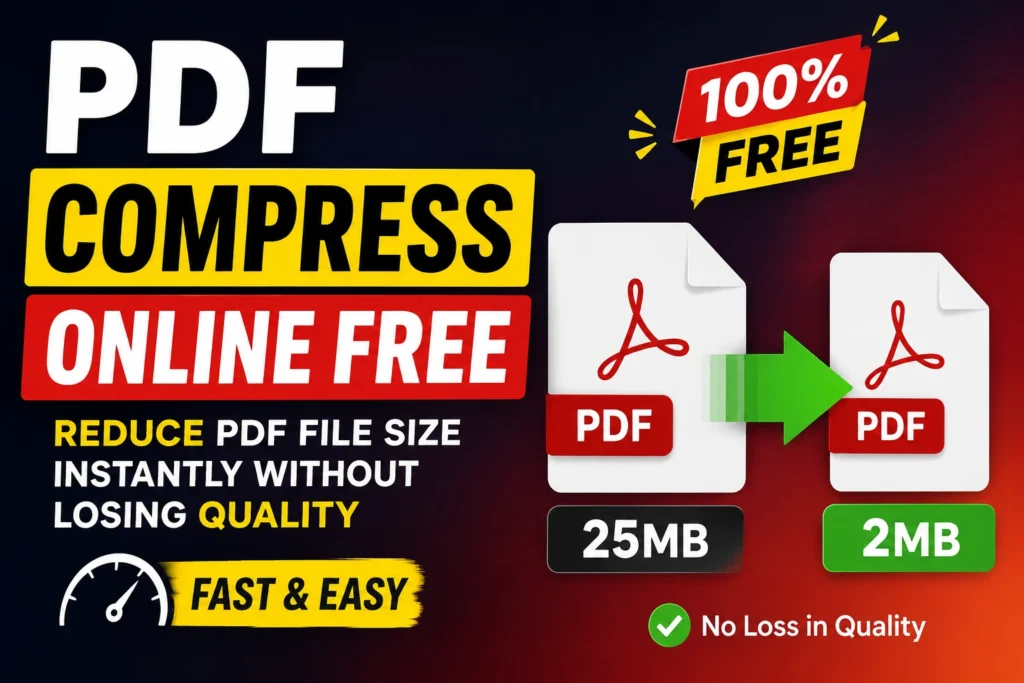
Large PDF files get rejected by email, job portals and university upload forms. This free tool shrinks your PDF in seconds, so it is small enough to send or upload. Pick a compression level, upload your file (up to 10 MB), and download the smaller version. No signup and no watermark.
How to Compress a PDF Online
- Choose a compression level. Select Low, Medium or High (see below).
- Upload your PDF. Click “Choose File” or drag and drop it into the box. Files can be up to 10 MB.
- Click “Compress PDF”. The tool processes your file and shows the result.
- Download the smaller file. Check that it looks right before you send or upload it.
Which Compression Level Should You Choose?
- Low (smallest size): Gives the smallest file. Best when an upload limit is strict, such as a form that accepts only a few hundred KB. Images may look softer.
- Medium (balanced): A good starting point for most files. It reduces size while keeping text and images clear.
- High (best quality): Keeps the sharpest result with a smaller saving. Best for portfolios, certificates or anything that will be printed.
If the first result is still too big, run the original file again with a lower setting. If it looks too blurry, go back to the original and try a higher one.
Why Compress a PDF?
- Email limits: Many providers block attachments above a certain size.
- Upload portals: Job sites, scholarship forms and exam portals often set a maximum file size.
- Storage and sharing: Smaller files take less space and load faster on slow connections.
Need to hit an exact limit? Read our guide on how to compress a PDF to 100KB.
What You Get
- Free to use: No signup, no watermark and no hidden charges.
- Three compression levels: You decide how much to trade size for quality.
- Works on any device: Use it on Windows, Mac, Android or iPhone from your browser. There is nothing to install.
- Fast results: Most files finish in a few seconds, depending on size and connection.
Who Is This Tool For?
- Students who need to fit assignments, theses or application documents under a portal’s size limit.
- Job seekers sending resumes and cover letters by email.
- Office teams sharing contracts, reports and presentations with clients.
- Designers and photographers sending image-heavy portfolios or catalogs.
- Everyday users keeping tickets, forms and scanned documents small and easy to share.
Tips to Keep PDF Files Small
- Resize large photos before adding them to a document.
- Scan at around 300 DPI. Higher resolutions make files much larger without a clear benefit.
- Remove pages you do not need. You can split a PDF and keep only the pages you want.
- Combine files after you compress them, not before. Use our Merge PDF tool for that.
- Convert photos to PDF with our JPG to PDF converter, then compress the result.
Is It Safe to Upload My PDF?
Files are encrypted while they are sent and are automatically deleted from our servers after processing. Even so, avoid uploading documents that contain highly sensitive information, such as passwords or banking details.
Frequently Asked Questions
How much smaller will my PDF get?
It depends on the file. Scanned documents and PDFs with many images usually shrink the most. PDFs that contain mostly text shrink less, because there is less to compress.
Will compressing reduce the quality?
A smaller file usually means some loss of image sharpness. Use High for the best quality and Low for the smallest size. Always check the result before you send it.
What is the maximum file size?
Each file can be up to 10 MB.
Can I compress a password-protected PDF?
Remove the password first with our Unlock PDF tool, then compress the file.
Do I need to install any software?
No. The tool works in your browser, with nothing to download.
Is there a daily limit?
No daily limit applies. You can use the tool as often as you need.