Free Word to PDF Converter — Convert DOC/DOCX Files Online Instantly
Word to PDF Converter
Select Word file
Need to turn your Word document into a professional, share-ready PDF file? merge pdf easy is a free online Word to PDF converter that transforms your DOC or DOCX files into high-quality PDF documents in just seconds. Our tool locks in your formatting, fonts, images, and layout exactly as they appear in the original document so it looks the same on every device and every screen.
Whether you’re sending a resume, submitting an assignment, or sharing a business report, converting to PDF ensures your file can’t be accidentally edited and opens correctly for everyone, regardless of what software they use.
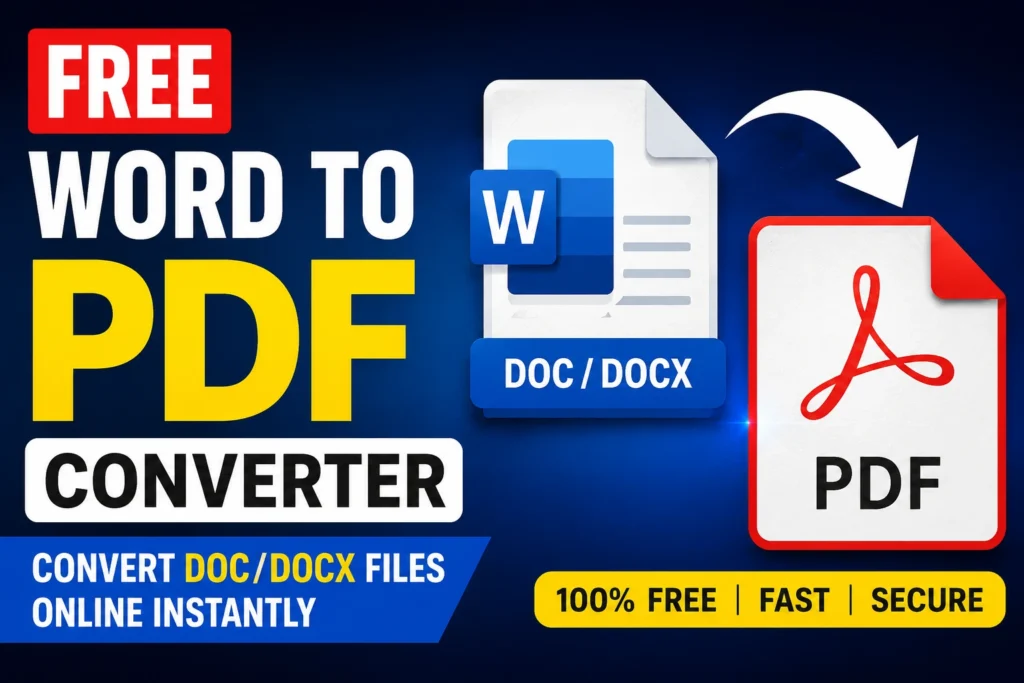
Simply upload your Word file, and within seconds you’ll receive a print-ready PDF that’s perfect for sharing, printing, or archiving. No installation, no email registration, and no signup required just upload, convert, and download.
Best of all, it’s completely free, secure, and watermark-free.
Why Use Our Word to PDF Converter?
- Completely Free – No hidden fees or subscriptions
- Fast Conversion – Get results in seconds
- Formatting Locked In – Fonts, images, tables, and layout stay exactly as designed
- No Signup Required – Upload and download instantly
- Secure & Private – Files are never stored on our servers
- Universal Compatibility – PDF opens the same way on any device or OS.
How to Convert Word to PDF ( Step by Step Guide)
- Upload Your Word File – Click “Choose File” and select your DOC or DOCX document
- Click Convert – Hit the “Convert to PDF” button
- Wait a Few Seconds – Our tool processes the file automatically
- Download Your File – Save the converted PDF to your device
Key Features
Perfect Formatting Every Time
Our converter preserves fonts, spacing, images, tables, headers, and footers exactly as they appear in your Word document.
Fast & Reliable
Whether your file is a single page or a hundred pages, conversion takes only a few seconds.
Cross-Platform Support
Works seamlessly on Windows, Mac, Android, and iOS — right in your browser, no app needed.
Print-Ready Output
Generated PDFs are optimized for printing, emailing, and professional sharing.
Bank-Level Security
Files are encrypted during transfer and automatically deleted after conversion.
Who Can Benefit From This Tool?
- Job Seekers – Convert resumes and cover letters to PDF before applying
- Students – Submit assignments in a format teachers can’t accidentally edit
- Office Professionals – Share reports and proposals that look the same everywhere
- Freelancers – Send polished, non-editable invoices and contracts to clients
- Businesses – Distribute official documents in a locked, professional format
Word to PDF vs Keeping It as DOCX — Why Convert?
- Consistent Formatting – PDFs look identical on every device; Word files can shift due to different software versions or missing fonts
- Prevents Accidental Edits – Recipients can view but not easily alter your content
- Professional Appearance – PDFs are the standard for resumes, contracts, and official documents
- Smaller File Size – PDFs are often more compact and easier to email
- Universal Access – Anyone can open a PDF, even without Microsoft Word installed
Frequently Asked Questions (FAQs)
Is this tool completely free to use?
Yes, our Word to PDF converter is 100% free with no hidden charges.
Is my file safe during conversion?
Absolutely. We don’t store your files, and they’re automatically deleted after the conversion process completes.
Will my formatting stay exactly the same?
Yes, our converter preserves fonts, images, tables, and layout precisely as they appear in your original Word document.
Do I need Microsoft Word installed to use this tool?
No, the conversion happens online you don’t need Word or any other software installed.
Do I need to create an account?
No, you can convert files directly without any signup or login.
Can I convert both DOC and DOCX files?
Yes, our tool supports both older .doc and newer .docx formats.
Can I convert multiple Word files at once?
Yes, our tool supports batch conversion for multiple files simultaneously.
Conclusion
If you’re looking for a fast, free, and reliable Word to PDF converter, merge pdf easy is your best choice. Convert your Word documents into professional, print-ready PDF files in seconds no hassle, no cost, no compromise on quality.